
Individual
$25/mo
Up to 3 team members. Unlimited clients and jobs.
Recurring visits, weather day for outdoor work, the crew app, quotes, invoices, the customer portal, Reports, and QuickBooks and Mailchimp sync.
Start your free 30-day trialField service software
Quotes, recurring visits, dispatch, and invoices — built for small field service crews.
No credit card required.
Free setup: Dustin sets your shop up at (405) 650-5237
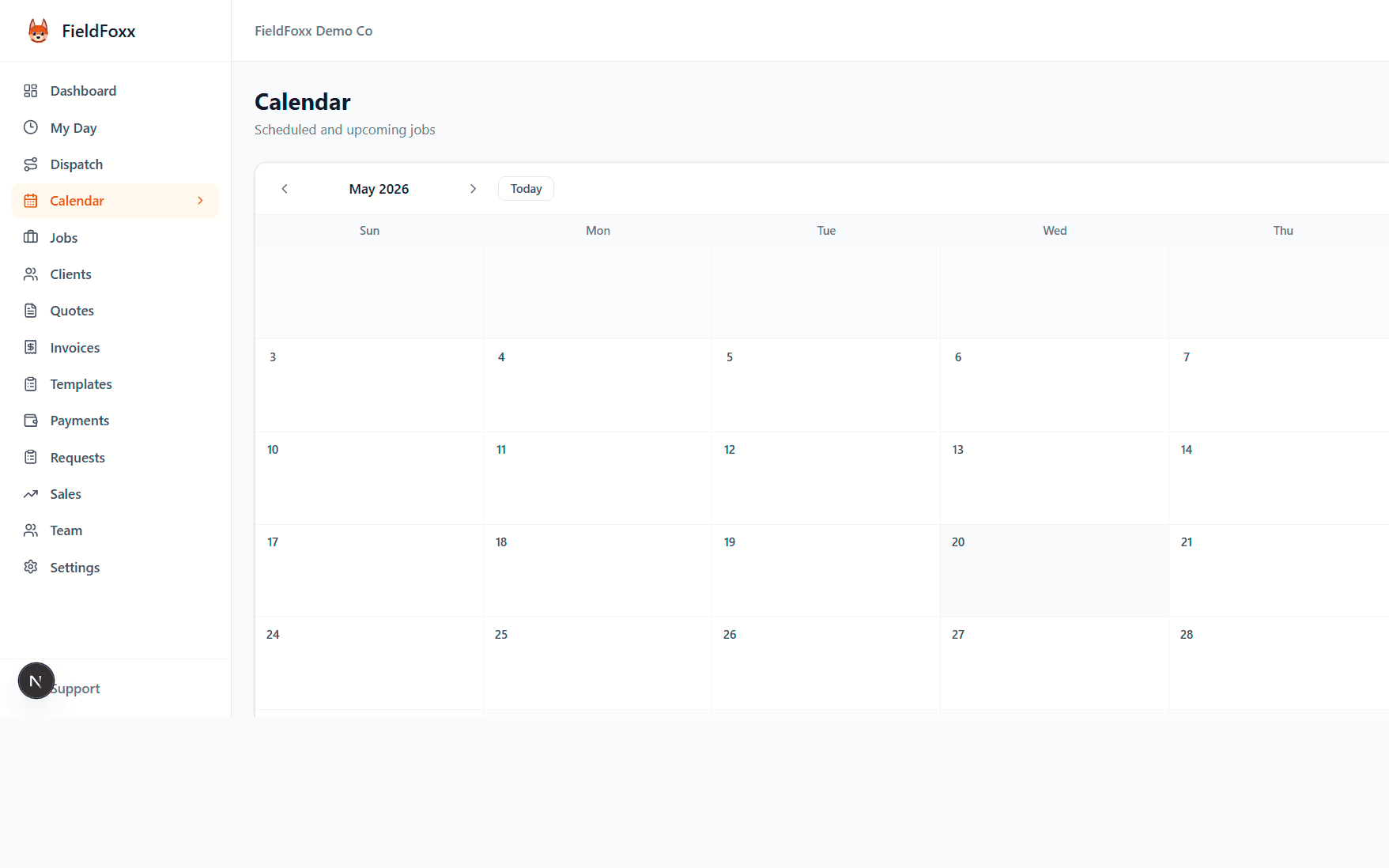
Set a visit once — weekly, every other week or monthly — and the next one is created when one is done. One-off jobs sit on the same calendar.
For outdoor work, Weather day moves the day or pushes the week back. Skip a visit with a reason. The repeat schedule stays intact.
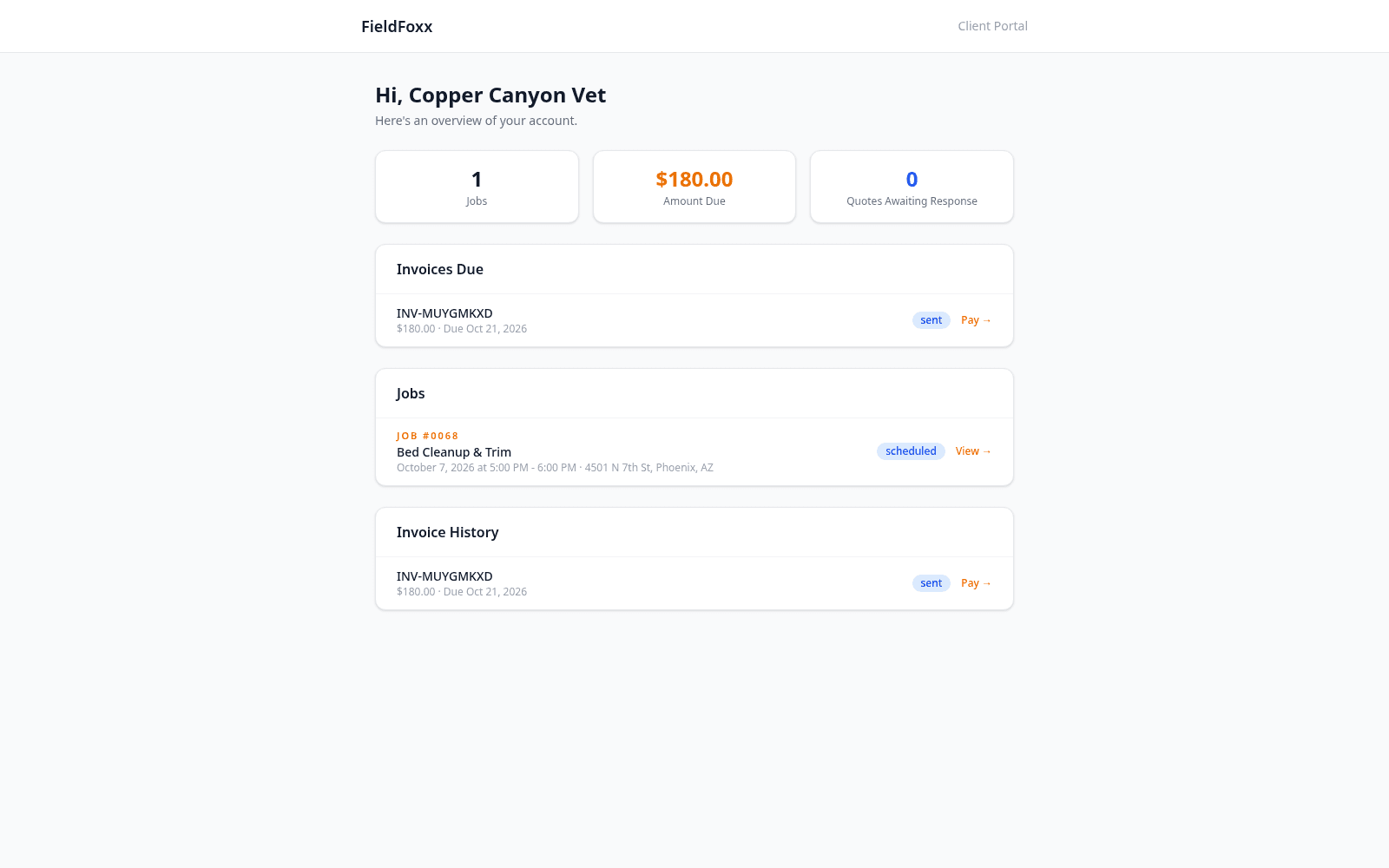
Day-before reminders go out automatically, and On My Way sends with one tap from the crew's phone. For outdoor work, a weather-day move can send one notice per client when you choose.
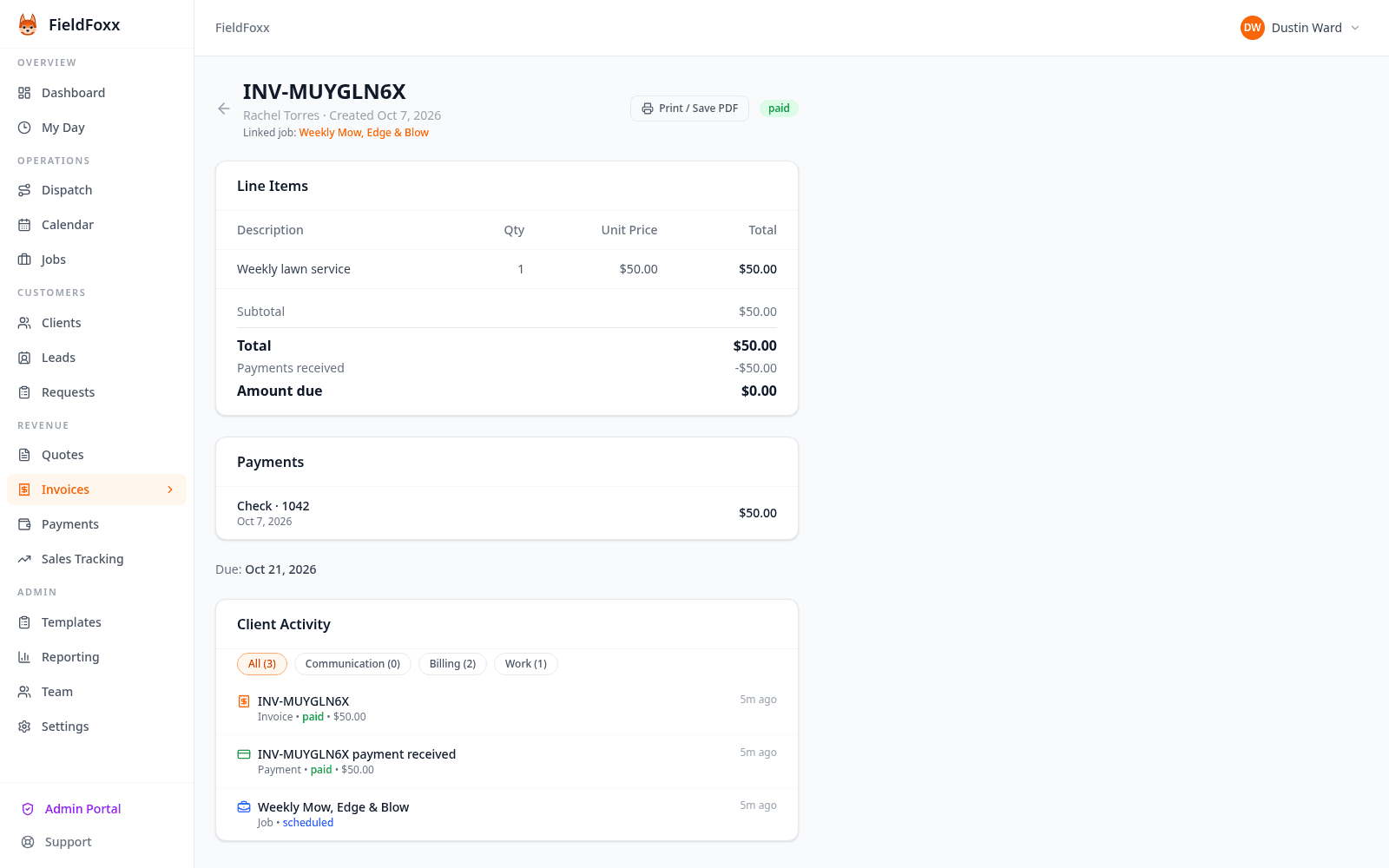
Batch-invoice completed jobs, send reminders, and take card payments to your own Stripe account. Cash and check stay free.
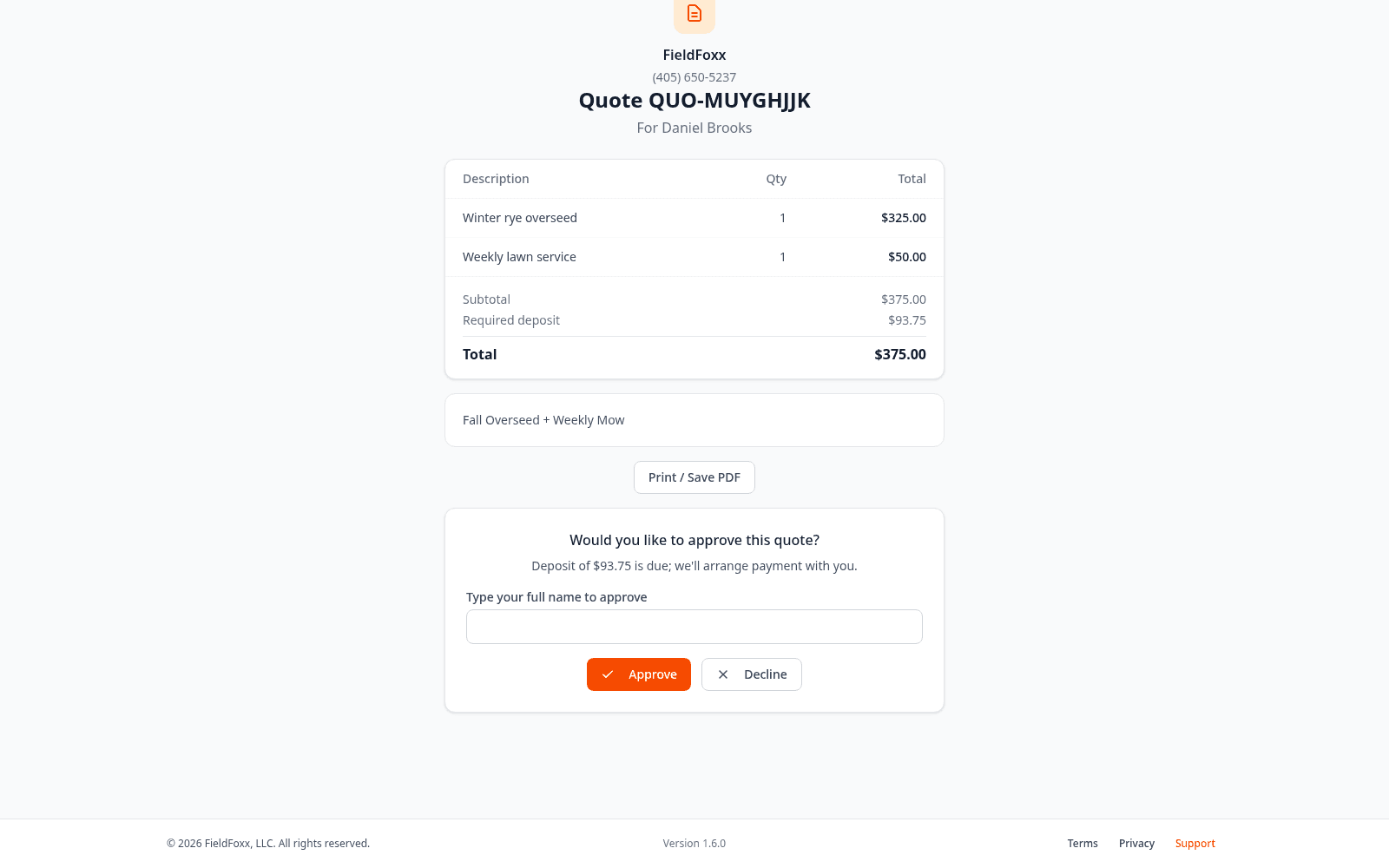
Send the job with optional add-ons, contract terms and a deposit. The customer approves online.
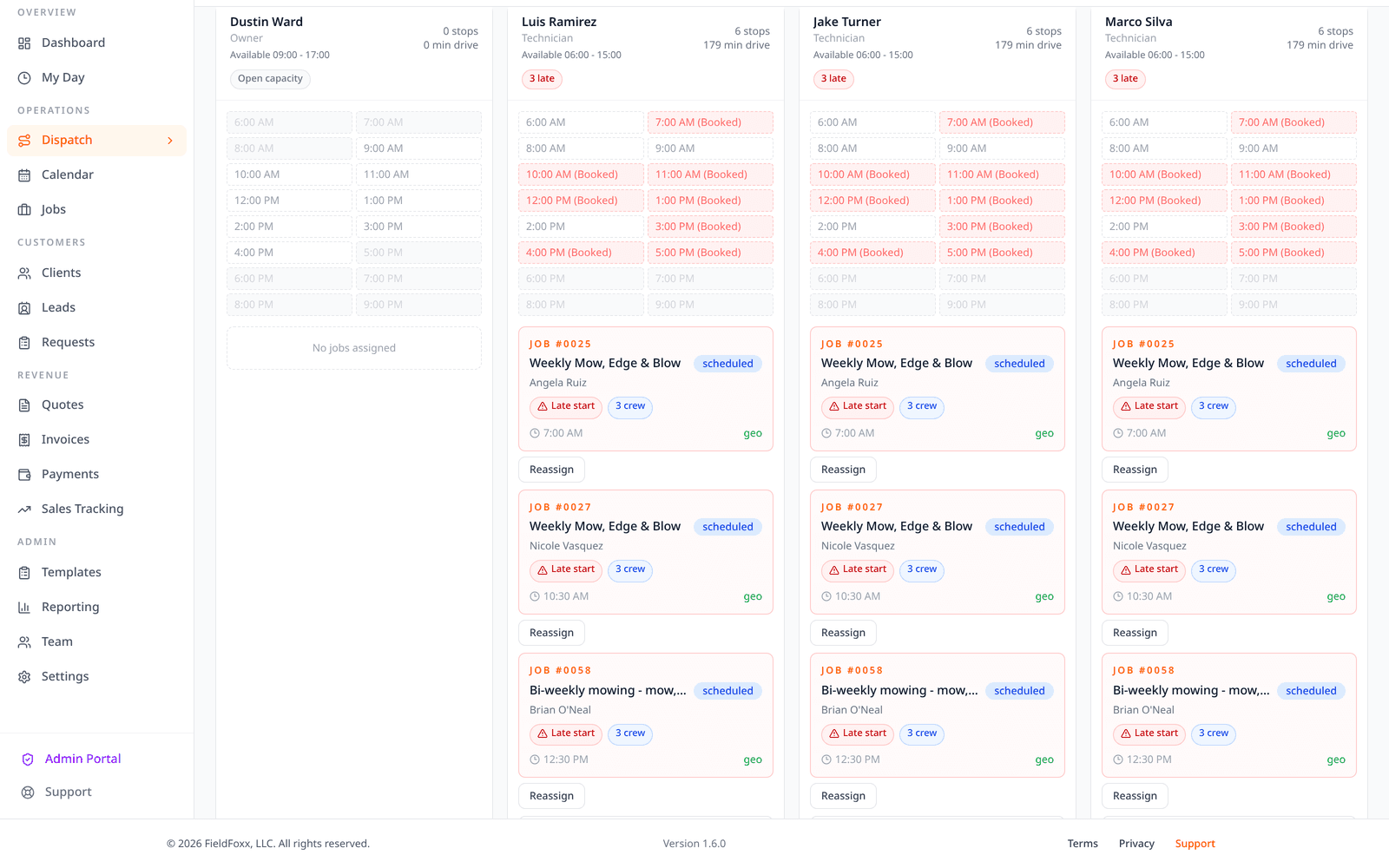
Put weekly or every-other-week visits on the calendar. Dispatch assigns the crew.
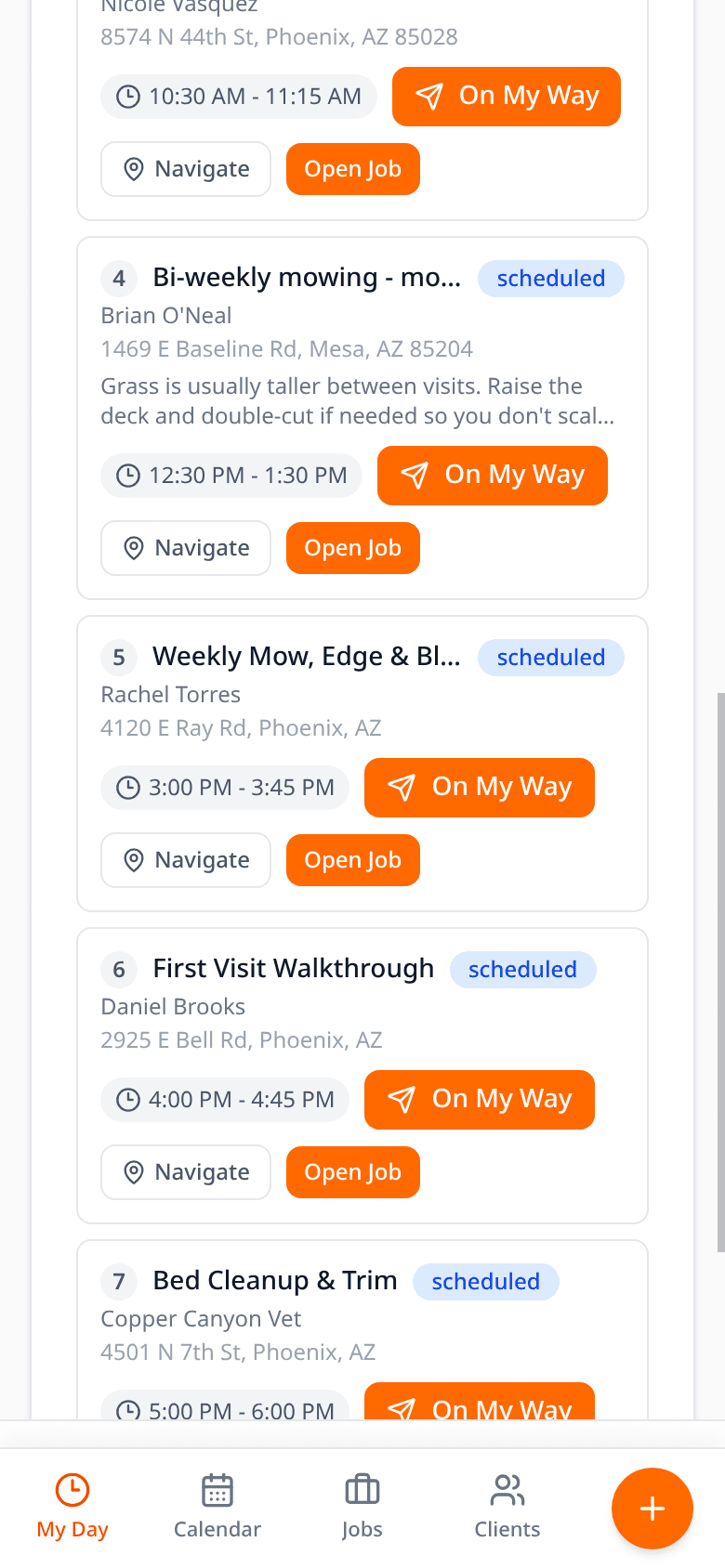
Stops, Start route, On My Way, Start Job and Mark Complete — on any phone.
Batch the finished jobs, send reminders, collect the card or record cash and check.
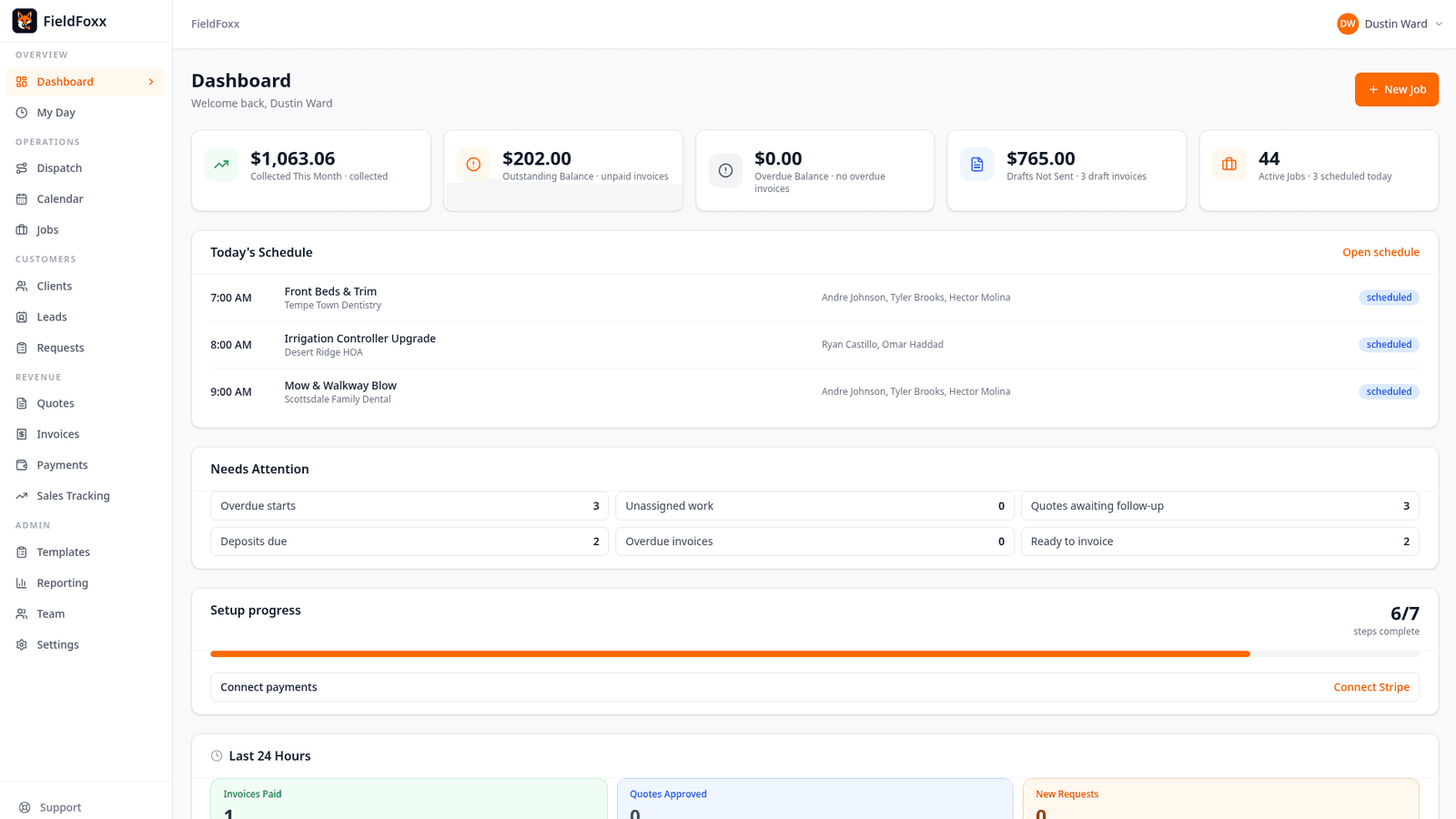
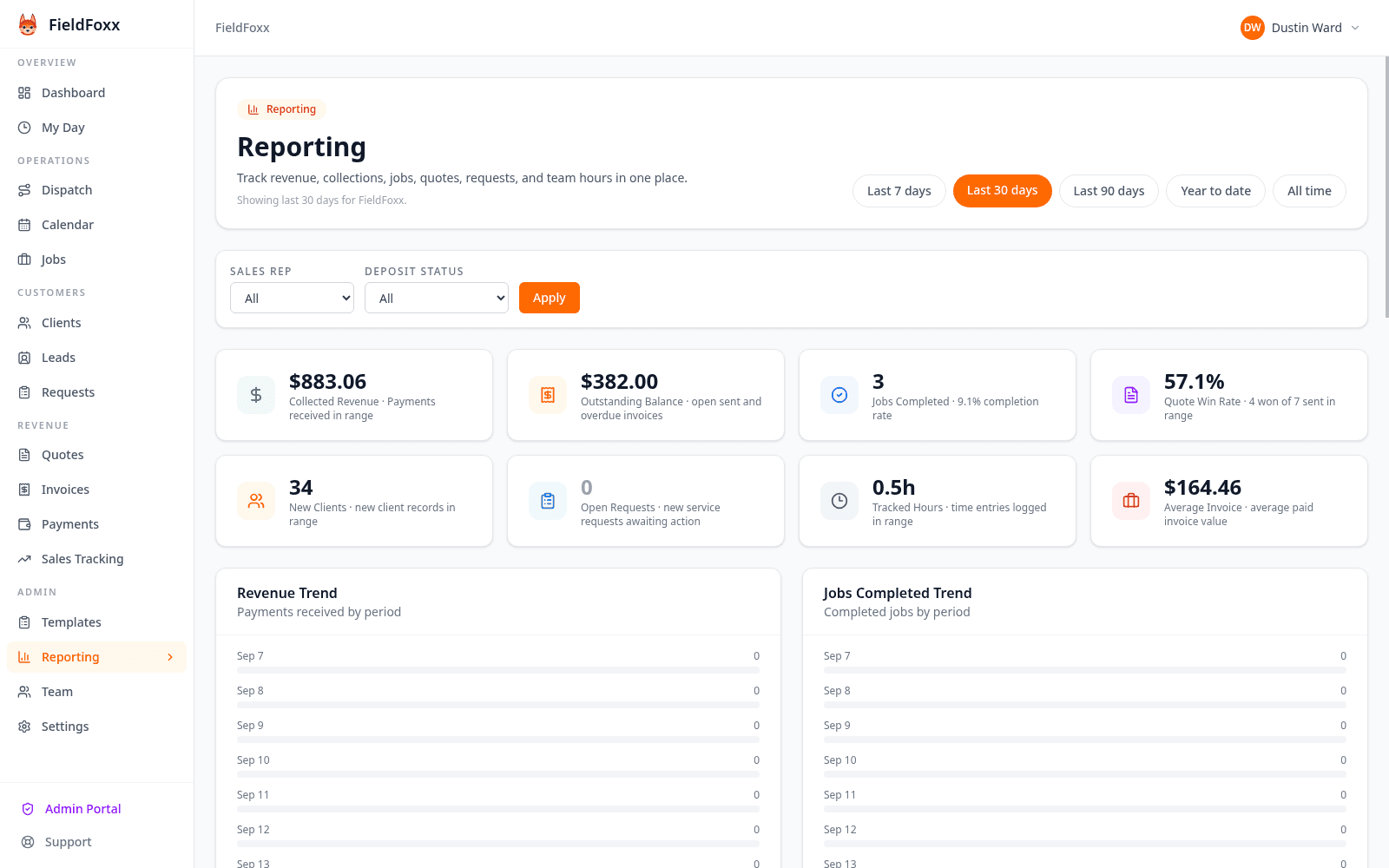
The shop dashboard: today's jobs, what is owed, and what still needs a quote.
The same features as the rest of FieldFoxx, framed for field service crews. Reports are on every plan. The Leads pipeline is Business only.
Individual
$25/mo
Up to 3 team members. Unlimited clients and jobs.
Recurring visits, weather day for outdoor work, the crew app, quotes, invoices, the customer portal, Reports, and QuickBooks and Mailchimp sync.
Start your free 30-day trialBusiness
$99/mo
Unlimited team members. Everything in Individual.
Adds the Leads pipeline (email threads and tasks) and priority support. No per-user fees.
Start your free 30-day trial30-day free trial, no credit card required. Online card payments carry a 1% FieldFoxx fee plus Stripe's processing fee. Checks and cash are free.
Dustin Ward
I built FieldFoxx for owner-operators and small crews (about 1 to 15 people) who work outside the office and need scheduling, quotes, and invoicing without enterprise complexity. We are based in Bartlesville, Oklahoma; I answer the phone for setup help, and every shop can get free setup on the first week.
Free setup: call (405) 650-5237 and Dustin will walk your shop through the first week.
Yes. Import your customer list as a CSV on the Clients page (name is required; email, phone, address, tags and notes are optional). Then set up recurring visits and send new quotes from FieldFoxx. Jobs, quotes and invoice history do not import, so keep your old records handy. Dustin will set your shop up free — call (405) 650-5237.
No. The crew app installs on any phone. Technicians get My Day: today's stops, directions, notes and checklists. They do not see quotes, invoices or the dispatch board.
By text or email. FieldFoxx sends day-before visit reminders, On My Way with an ETA, and weather-day or skip notices when you choose to tell the client. Clients with a mobile number who have agreed to texts get a text; everyone else gets the same message by email. Promotional messages are not sent, and clients can reply STOP to any text.
Customers pay invoices and quote deposits by card through your own Stripe account. Record cash, check or part payments yourself. Online card payments carry a 1% FieldFoxx fee plus Stripe's processing fee. Checks and cash are free. The 1% fee also applies during the free trial.
Yes. Attach contract terms, edit them for that customer, and the customer approves online by typing their name. The approval is recorded with the time. Optional add-ons stay on the quote until they pick them.
Yes. The account owner can cancel from Settings at any time, and the plan stays active until the end of the paid period. There are no long-term contracts or cancellation fees.
Yes, on every plan. Set a job to recur weekly, every other week (weekly, every 2) or monthly. For outdoor work, Weather day moves a rained-out day or pushes the week back without breaking the repeat schedule. Crews can skip a visit with a reason.
No. The 30-day free trial does not require a credit card.
$25/mo for up to 3 members or $99/mo unlimited. 30-day free trial. No credit card required.
No credit card required